Skip to product information
1 of 1

Low stock: 100 left

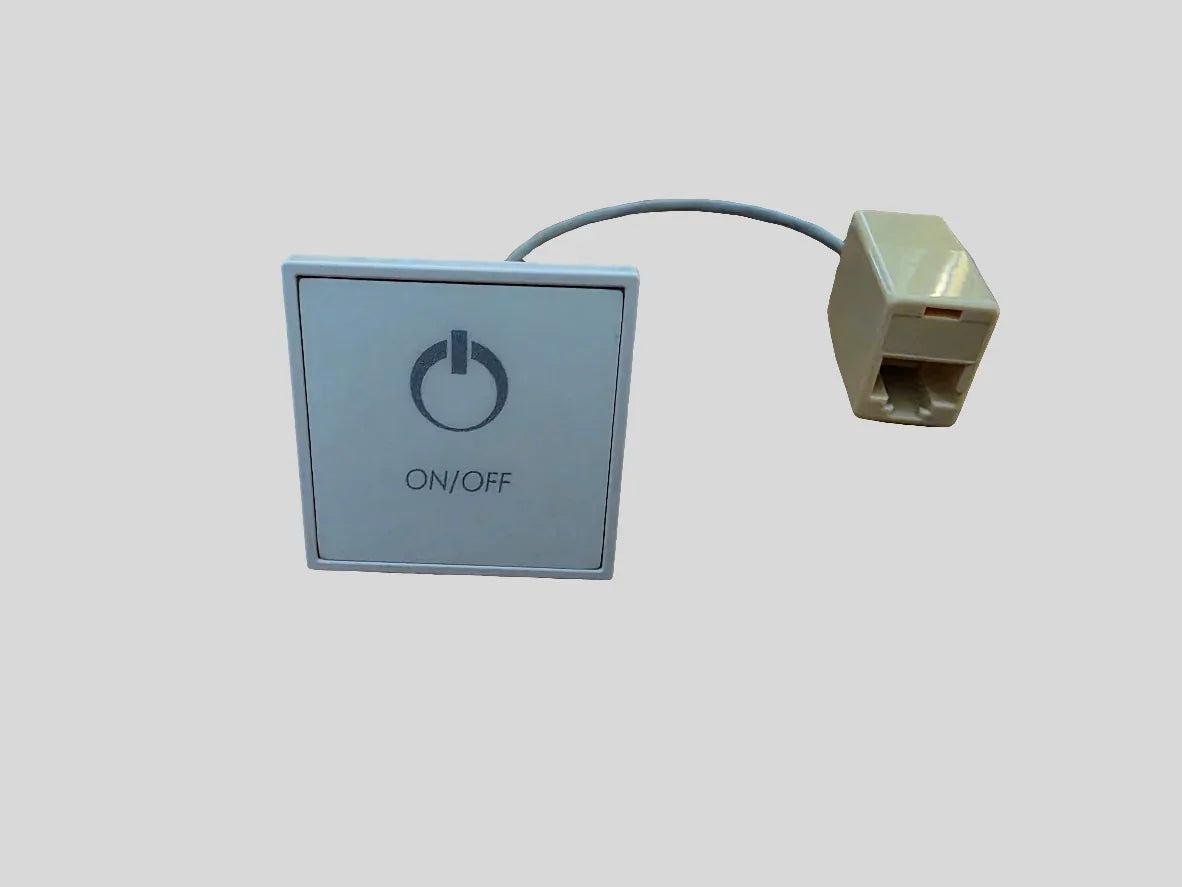
Aquaglass Digital Touchpad

Aquaglass Digital Touchpad

Regular price $129.99 USD
Regular price Sale price $129.99 USD
Sale Sold out
Shipping calculated at checkout.
Quantity

Meet the Aquaglass Digital Touchpad—a precision input device crafted for creators, developers, and professionals who crave smooth navigation and instant, tactile control. It’s designed to slot into your workflow without crowding your desk, letting you stay in the flow from first click to final render.

The standout feature is the Aquaglass surface: a silky, fingerprint-resistant glass top that delivers a glassy glide and pixel-precise accuracy across your screen. Every gesture feels natural and responsive, so you can trust your cursor to follow your intention with minimal effort. The surface is easy to clean and stays pristine session after session, even during long work sprints.

Gesture-forward control helps you work faster. The touchpad supports multi-touch input for common tasks: two-finger scrolling to skim through pages, pinch-to-zoom for precise scaling, and three-finger swipes to switch between applications. The capacitive touch sensors respond instantly, turning your motions into fluent cursor control without hunting for a mouse or desk space. You can also tailor these gestures with programmable zones and shortcuts to fit your favorite software and workflow.

Connectivity, compatibility, and setup

Plug-and-play USB-C wired connectivity provides dependable, low-latency performance, while wireless pairing offers a clutter-free desk setup. It works across Windows, macOS, and Linux, designed to blend into almost any environment with minimal fuss. The compact, low-profile footprint makes it ideal for laptops, desktop upgrades, and mobile workstations—and it’s light enough to accompany you on the go.

Durable design for daily use

The Aquaglass surface resists fingerprints and cleans easily, helping your workspace stay clean and professional even after back-to-back sessions. A stable, non-slip base and a robust build ensure it stands up to busy environments, while energy-efficient operation extends battery life when used wirelessly.

Who benefits most

  • Designers and video editors who rely on precise cursor control and fluid gestures in creative software
  • Developers and data professionals who accelerate workflows with shortcut-rich gestures
  • Students, remote workers, and travelers seeking a compact, reliable input device to boost productivity on the go

Practical tips to maximize your Aquaglass experience

  • Start with a core set of gestures and gradually expand as you acclimate to the surface
  • Pair the touchpad with keyboard shortcuts to create a seamless, high-speed workflow
  • Keep the Aquaglass surface clean and dry to maintain optimal tracking and longevity
  • Experiment with programmable zones to tailor actions to your most-used software

Upgrade your input experience with the Aquaglass Digital Touchpad and enjoy precise control, effortless gestures, and a surface that stays clean and responsive session after session.

View full details